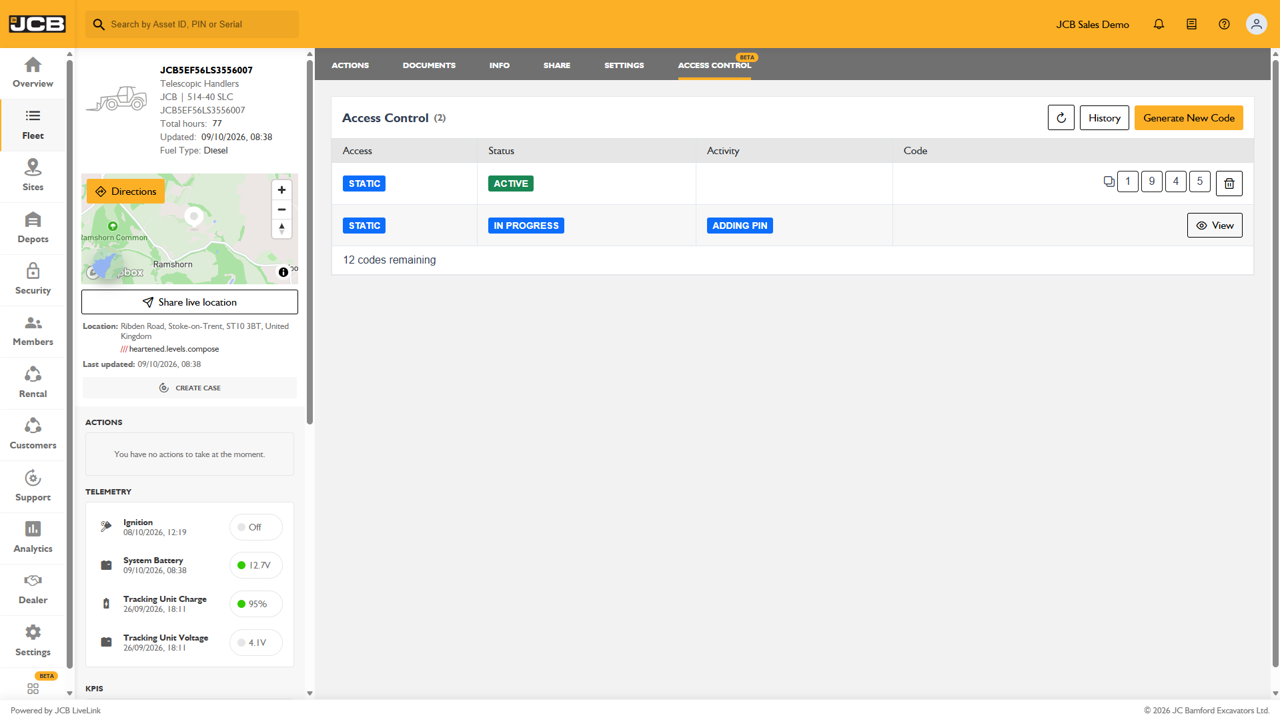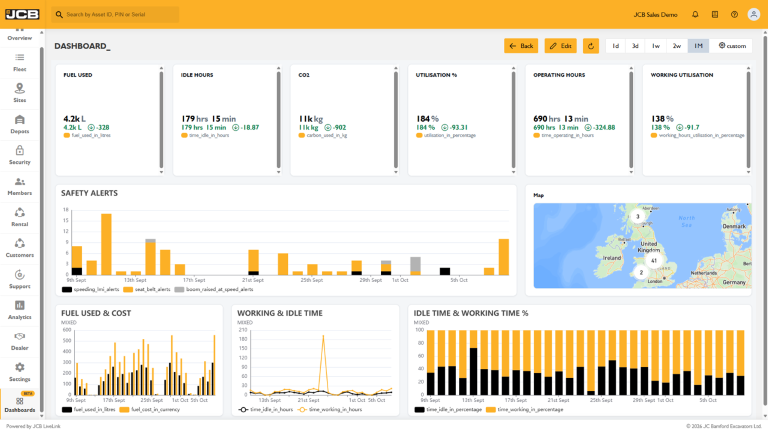
JCB INTELLISELECT gives fleet managers the ability to remotely manage key machine features through a simple interface, helping ensure machines are set up correctly for every customer, location, and application.
Whether you're standardising machine settings across your fleet, supporting rental customers, or adapting machines to site-specific requirements, JCB INTELLISELECT provides greater control without the need for a site visit.

MANAGE MACHINE FEATURES REMOTELY
JCB INTELLISELECT allows authorised users to remotely enable, disable, or adjust selected machine features directly from JCB LiveLink.
Available configurable features include:
- Air Conditioning
- Radio & Bluetooth
- IntelliSense
- Auto-Stop
- Speed Limiting
- Tyre Pressure Monitoring System (TPMS)
Changes can be made quickly through LiveLink, reducing administration and ensuring machines are configured exactly as required.
IMPROVE FLEET PROFITABILITY
Features such as Auto-Stop can help reduce unnecessary engine idling, while standardised machine settings ensure assets are ready for work more quickly when moving between sites or customers.
For rental businesses, configurations also support more flexible fleet management by allowing machines to be adapted to different customer requirements without additional site visits.
SUPPORT SAFER WORKING ENVIRONMENTS
Machine settings can play an important role in helping maintain safe operating practices.
Features such as speed limiting can be configured remotely to support site-specific operating requirements, while systems such as TPMS help ensure operators have access to important machine health information.
By maintaining consistent machine settings across the fleet, businesses can better support compliance with internal policies and site safety standards.
DELIVER CONSISTENCY ACROSS YOUR FLEET
Managing a large fleet becomes easier when machines behave consistently.
JCB INTELLISELECT allows businesses to standardise machine features across assets and fleet managers can also maintain different configuration profiles to suit specific customers, job sites, or applications.
A full configuration history is available within LiveLink, providing visibility of changes made and helping support fleet governance.
HOW TO GUIDE
Note: JCB INTELLISELECT is currently available on supported JCB Loadall models only.
ACCESS MACHINE CONFIGURATIONS
UPDATE MACHINE SETTINGS
Within the Configurations page, you can adjust supported machine settings using the available controls.
AIR CONDITIONING
Enable or disable the machine's air conditioning system remotely.
- Locate Air Conditioning.
- Use the toggle switch to turn the feature On or Off.
AUTO STOP
Configure how long the machine can idle before automatically shutting down.
- Locate Auto Stop.
- Select one of the available options:
- Default
- 3 minutes
- 6 minutes
- 9 minutes
INTELLISENSE
Control whether the Intellisense feature is enabled on the machine.
- Locate INTELLISENSE.
- Use the toggle switch to enable or disable the feature.
MEDIA
Control access to the machine media functions.
- Locate Media.
- Use the toggle switch to enable or disable the feature.
SPEED LIMIT
Restrict the machine's maximum speed by limiting the highest selectable gear.
- Locate Speed Limit.
- Select the required setting:
- Gear 2
- Gear 3
- Gear 4
TYRE PRESSURE MONITORING (TPMS)
Enable or disable TPMS functionality.
- Locate Tyre Pressure Monitoring.
- Use the toggle switch to turn monitoring on or off.
VERIFY CONFIGURATION SETTINGS
After updating settings:
- Allow time for the configuration request to be sent to the machine.
- Refresh the page using the Refresh icon if required.
- Check that the updated settings are displayed in the Status column.
The page also displays the date and time of the most recent configuration update.
VIEW CONFIGURATION HISTORY
LiveLink records all configuration changes made to the machine.
- Select History from the Configurations page.
- Review:
- Date and time of the change
- User who made the request
- Updated settings
- Confirmation that changes were successfully applied
This provides a full audit trail of machine configuration activity.

Note: Changes can take up to 15 minutes to take effect.
LEARN MORE
Contact the LiveLink team for a full demonstration. To learn more about compatible JCB INTELLISELECT machines visit JCB.com.