TOTAL TRACKING COMPLETE CONTROL
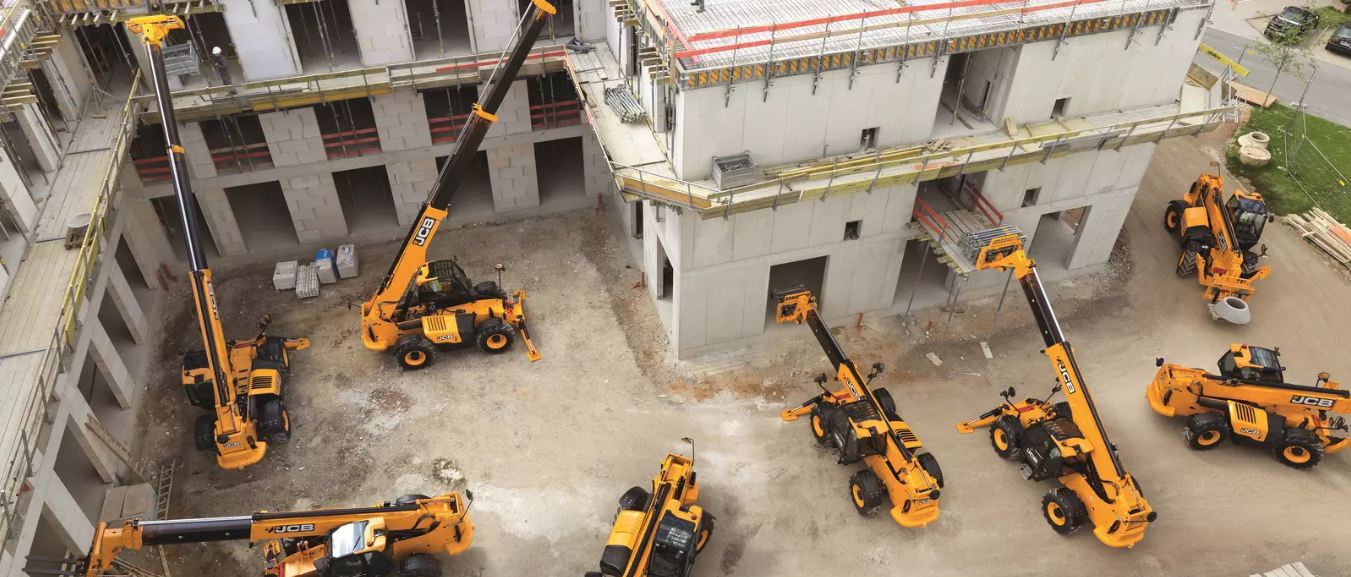
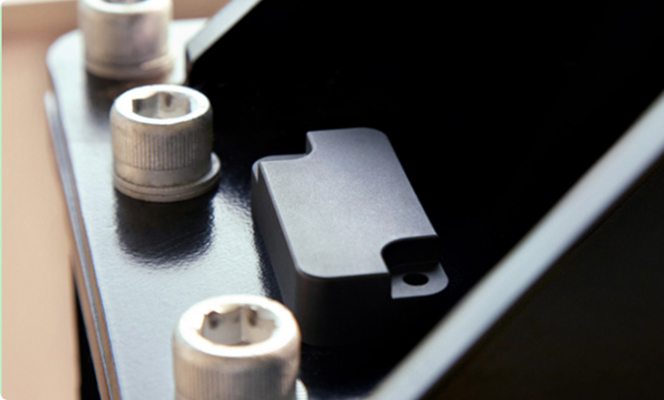
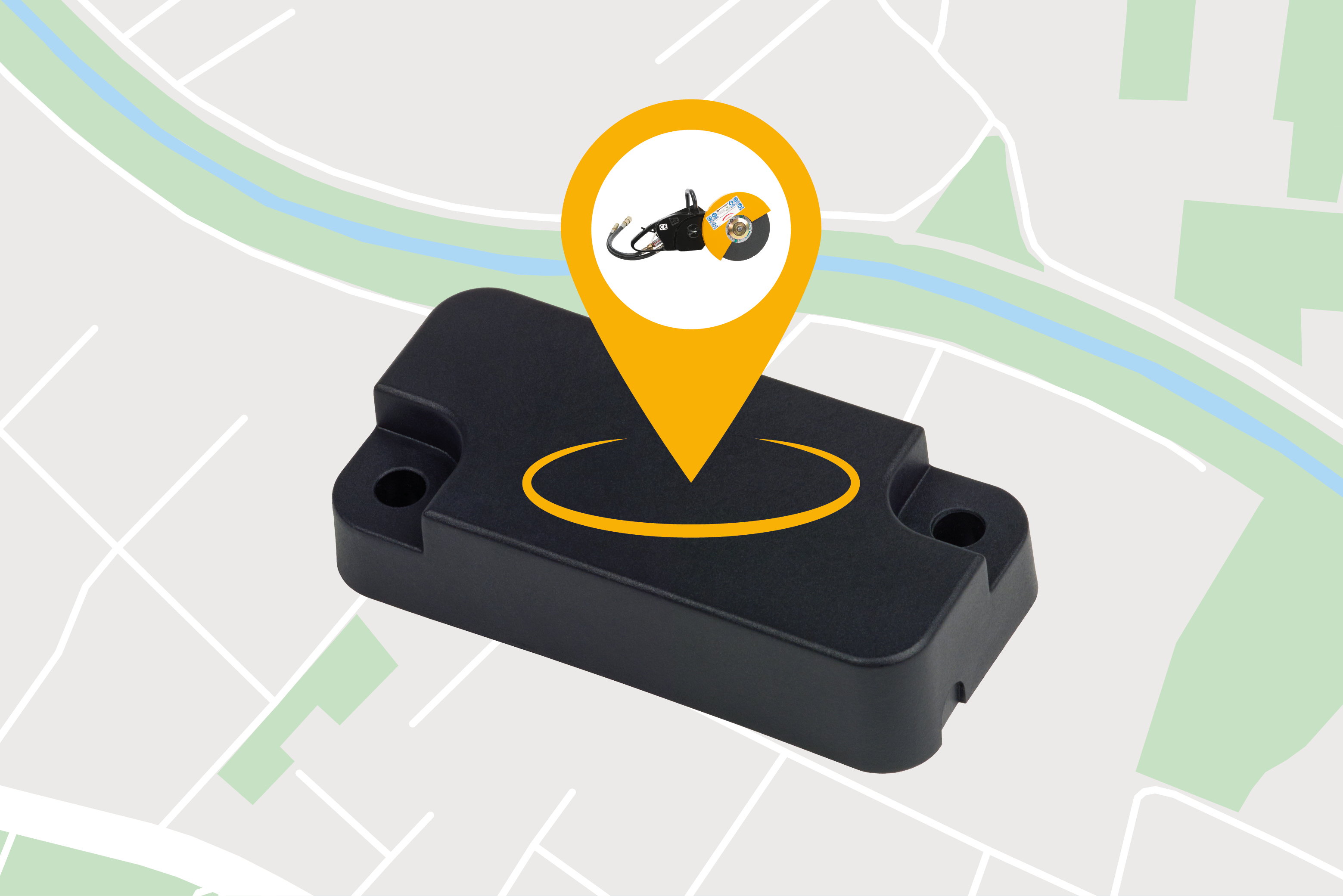
Know where your assets are—anytime, anywhere. The asset tag allows you to track the location of any attachment and non-powered assets, no matter the size, function or brand.
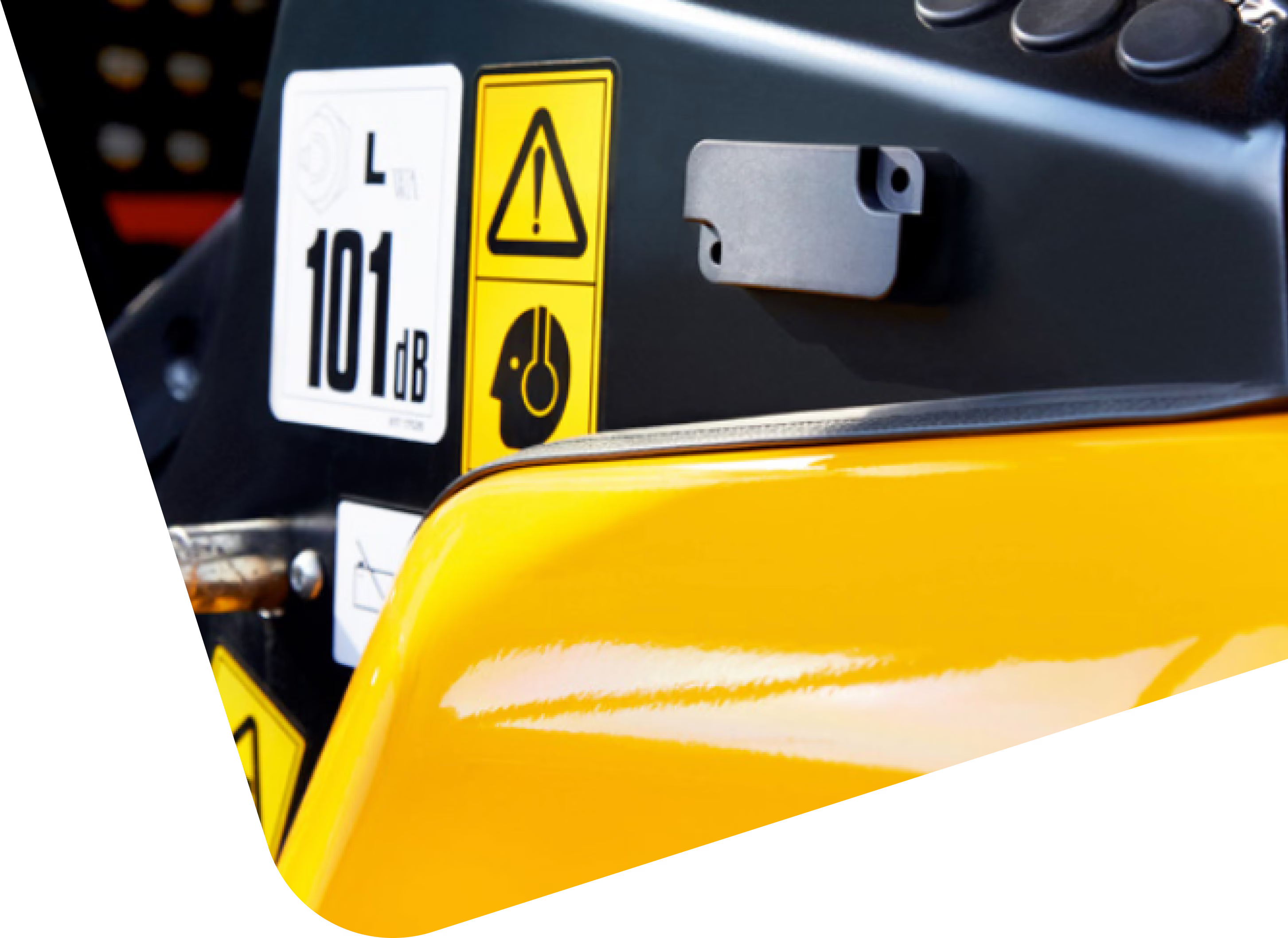
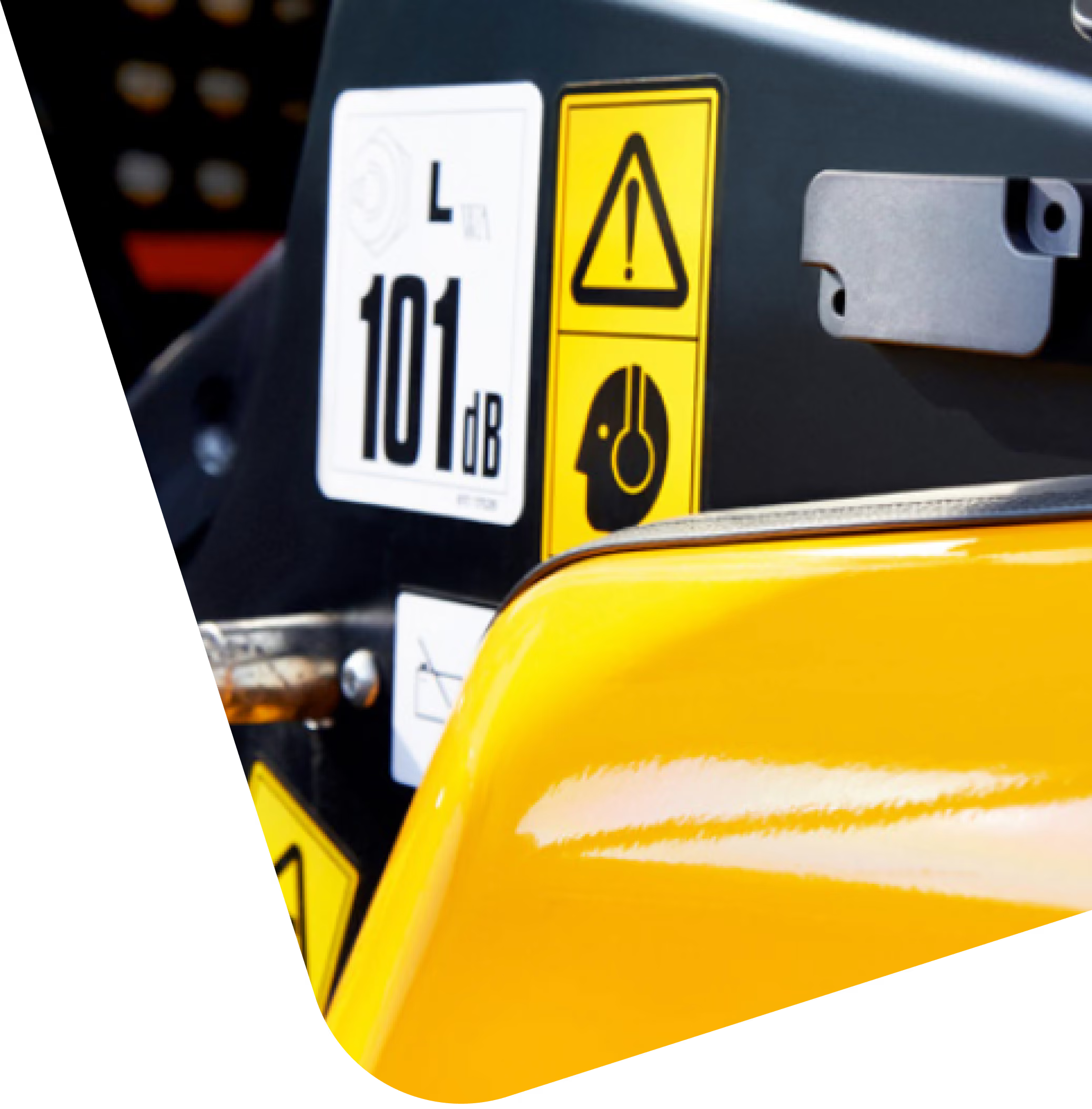
LiveLink Integration
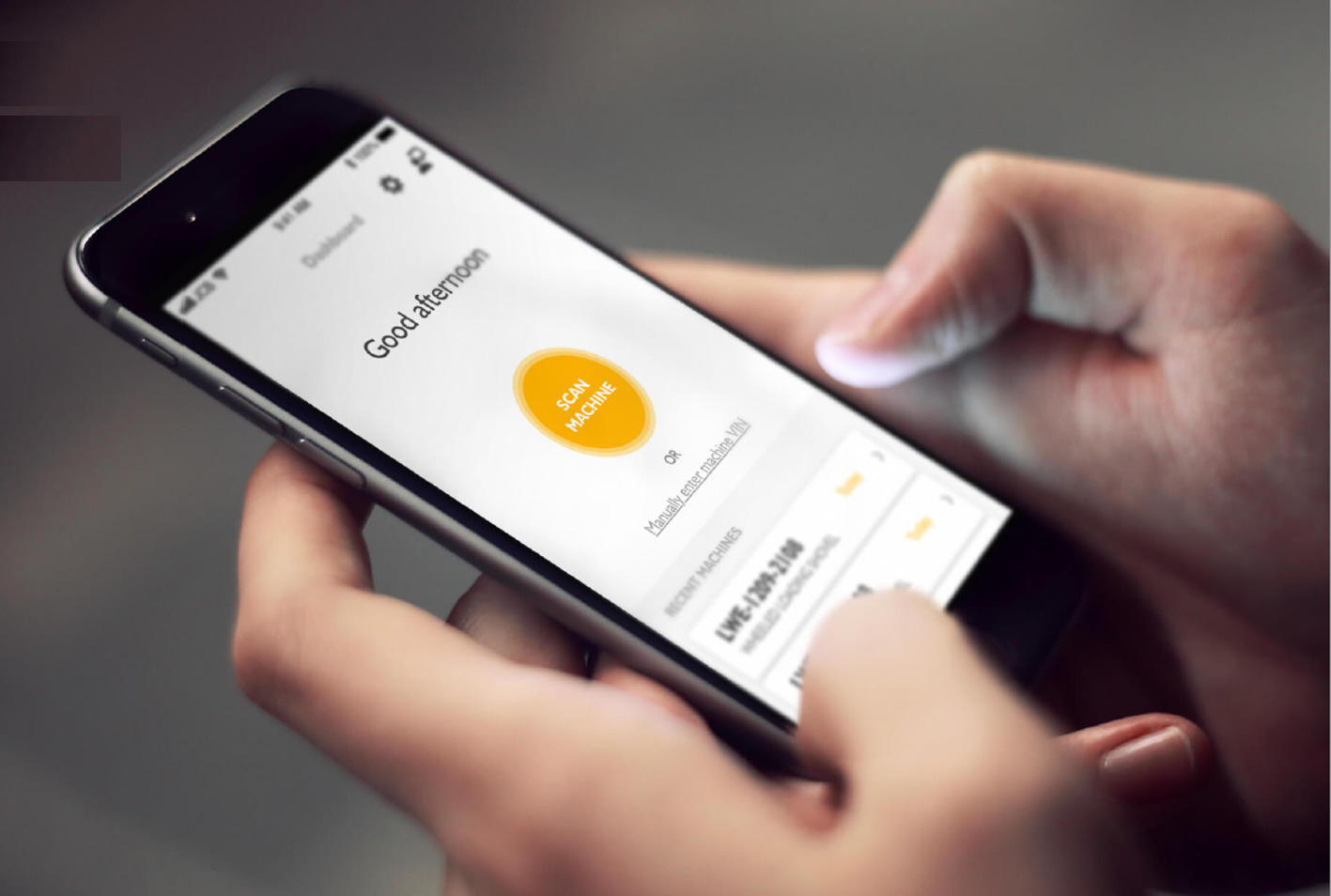
Connects directly into LiveLink for easy access to your data.
Quick & easy installation
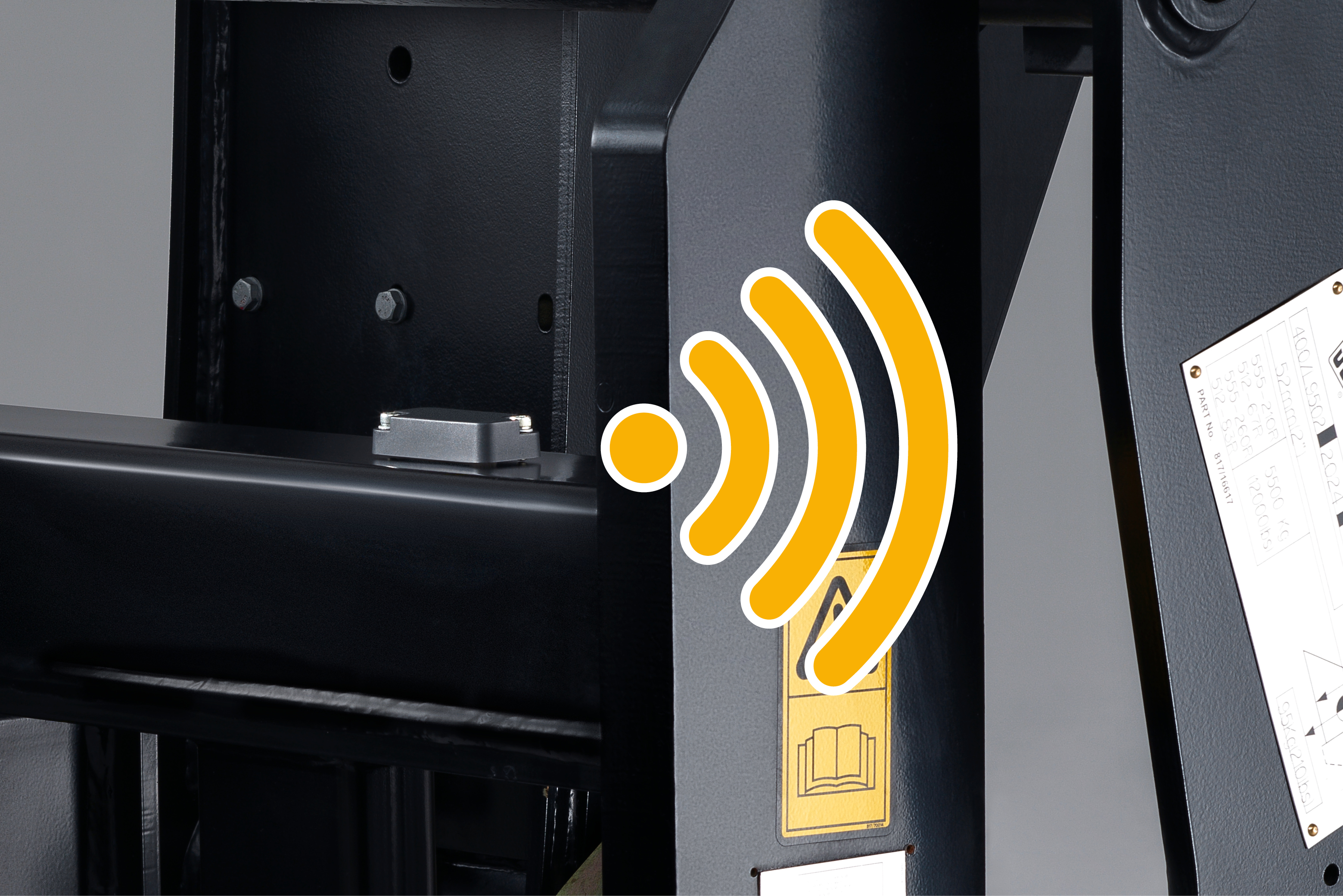
Easy to install using two methods of attachments – bolts or adhesives.
Discreet and lightweight
Compact design allows you to easily and discreetly attach it to all brands of assets.
PREVENT SITE LOSS AND THEFT
The Asset Tag helps prevent loss and misplacement of accessories or attachments by tracking them in your LiveLink account.
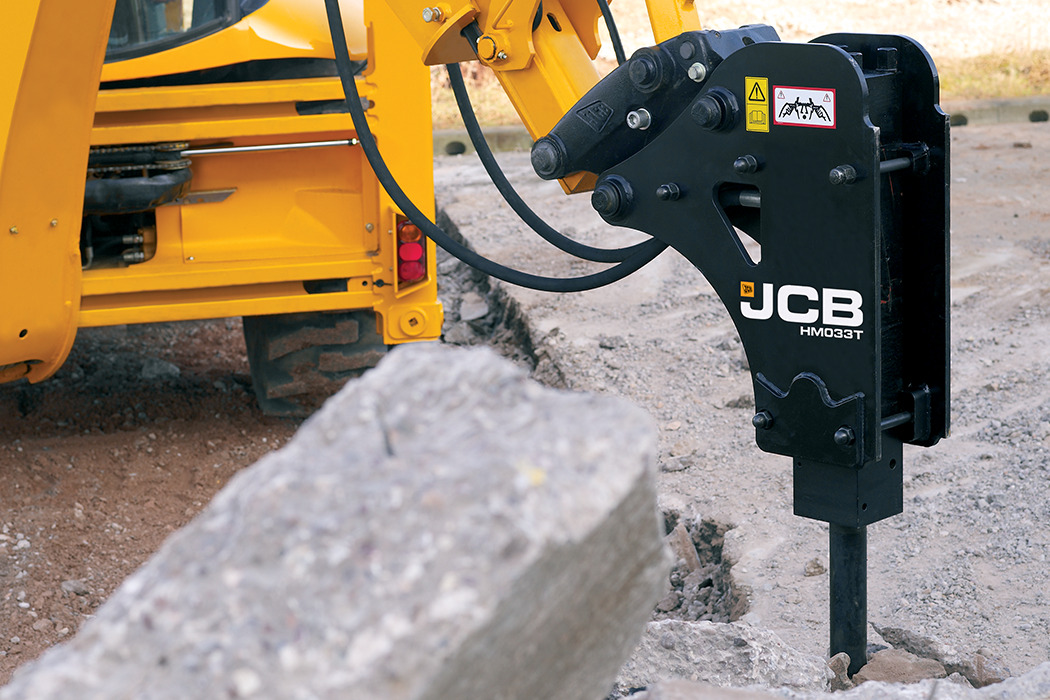
BUILT TOUGH FOR MAXIMUM RELIABILITY
Designed to work in the toughest construction and farming environments.

SIMPLIFY ASSET MANAGEMENT
Long lasting self-contained unit with 3 years + battery life means continuous performance without the upkeep.
.png)
REAL-TIME LOCATION UPDATES
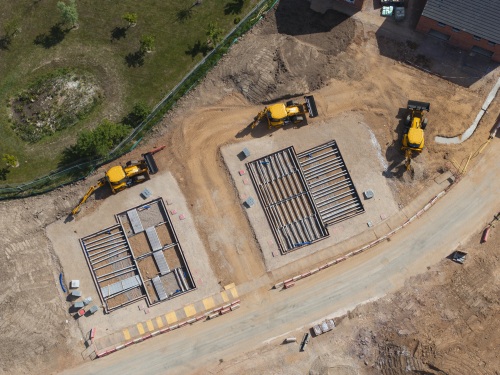
Stay informed with accurate GPS tracking for your assets, attachments or accessories, and get notified if they leave your geofenced location.
.jpg)
Technical specification
Dimensions
- Dimensions: 68x32x16mm
- Weight: 50g
- IP Rating: IP69K* (highest rating)
- Resistant to chemical contamination
Communication range
- Maximum line of sight range of 800m
- BLE 5.0
Environmental
- Operational temp: 40ºC to + 85ºC
- Storage temp: - 40ºC to + 85ºC
Testing/approvals
- CE compliant
- RoHS compliant
Internal battery
- Non replaceable, sealed battery
- 540mAhr Lithium battery
- Battery voltage: 3V
- Battery life: 4+ years
FAQs
FREQUENTLY ASKED QUESTIONS
Do I need a JCB LiveLink account?
How does the Asset Tag enhance security measures?
What is the installation process for the Asset Tag?
Can the Asset Tag withstand harsh environmental conditions?
Is the Asset Tag compatible with other systems?
What is the range of the Asset Tag’s Bluetooth connectivity?
LiveLink solutions