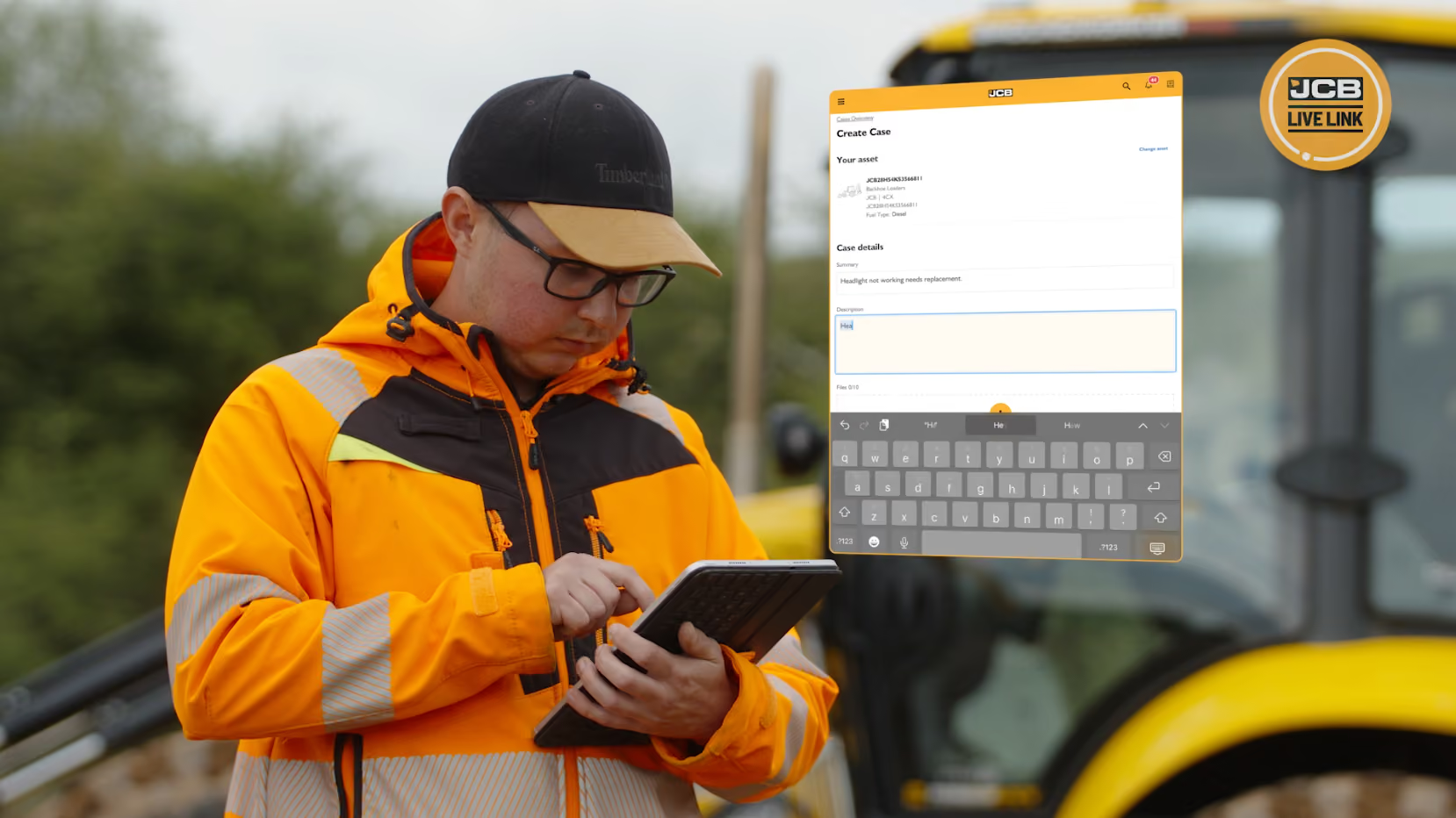
Raising support cases is a fast and efficient way to get immediate support with your JCB machine. Once a case is raised, your dealer will be informed and will send an engineer out as quickly as possible. Similar to when you order a parcel, you'll be notified at each step along the way to keep you well informed in regards to what's happening, when.
To enhance this service even more, we've made some new updates to make it easier to use and clearer to view! So, what's changed?
CASE TABLE
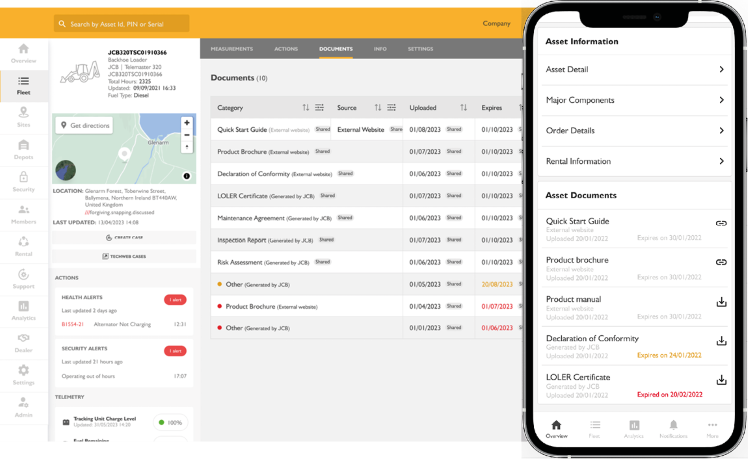
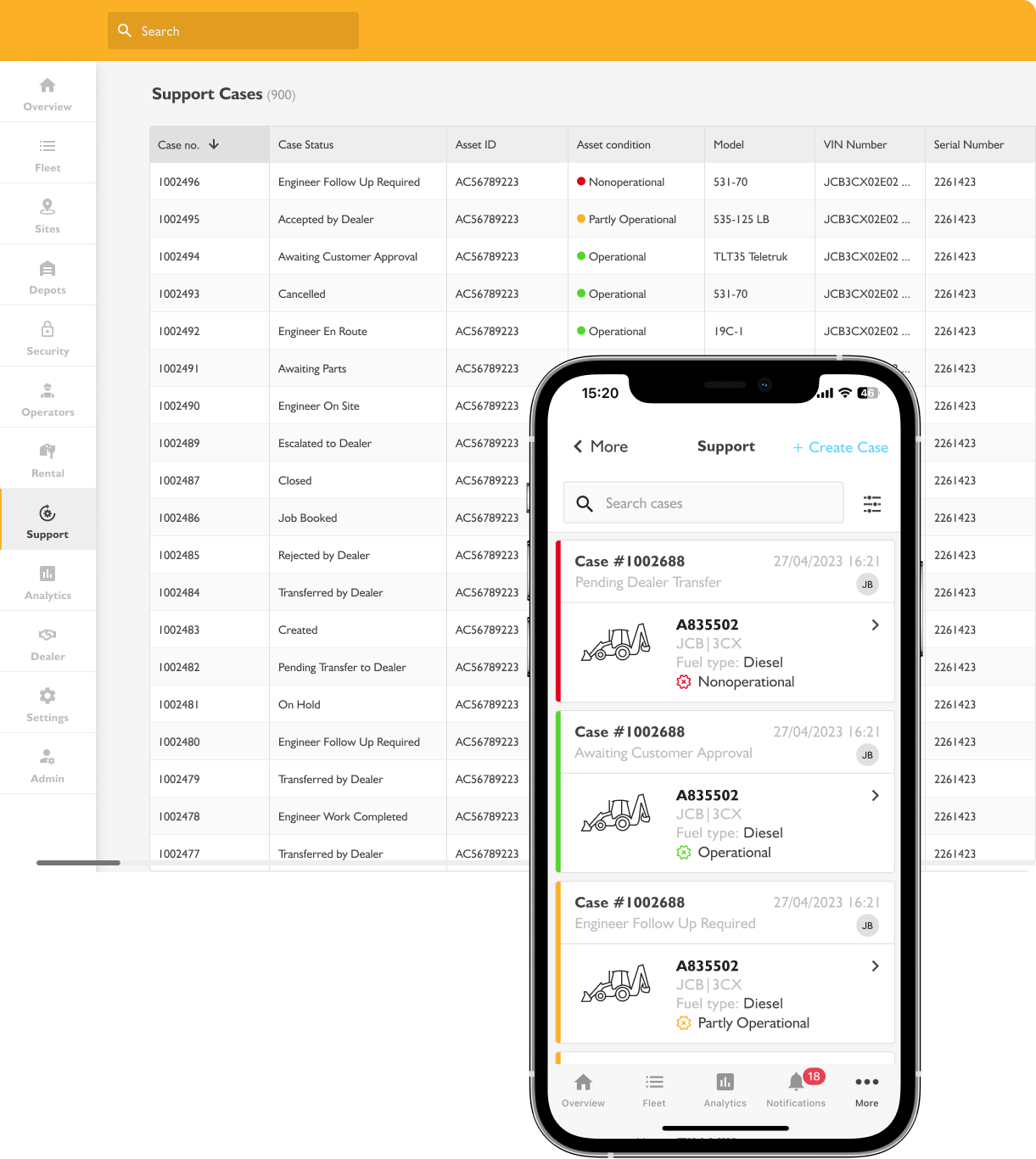
Support cases are now structured in a table format, where users can sort, search and filter each column, to quickly find the support case they're looking for. By maximising the data available on a single screen, the table will support users to take a proactive approach to maintaining uptime, keep up to date with support progress and highlight the important information at a quick glance.
TAILORED TO YOU
The table can be customised and tailored to your specific preferences or business needs. We’ve added a drag and drop feature so that columns can be reordered and designed to suit each individual user. You can also select and deselect the columns required, to cut through the noise and only show what's important for you.
SEARCH & SORT
You can now use the sort, search and filter functionality to quickly find cases. These options allow users to find case information with ease, allowing users to sort by date, asset ID, status, model, the last updated date and much more.
All changes have been rolled out across LiveLink web, tablet and mobile views.
CASE SHARE
We’ve also added a case share button, to allow you to share an overview of a particular case with someone else. With the new case share functionality, simply hit the ‘Share’ button on the case page and enter the recipients email address. The recipient doesn’t need to have a LiveLink account and will receive a full case overview (only view, not edit), outlining the asset and case details, as well as the full case status breakdown.
Log in now to start making the most of the JCB LiveLink Support Case feature! LiveLink Login.
Please note, the Support Case feature is only available through participating dealers.